Free Image Background Remover
Instantly remove background from any image using AI. It's free and no sign-up required!
Upload image or drop photos here
By uploading an image you agree to our Terms and Privacy Policy
Real background remover results
These exports use the same AI model you access in the editor—what you upload next will match this quality.
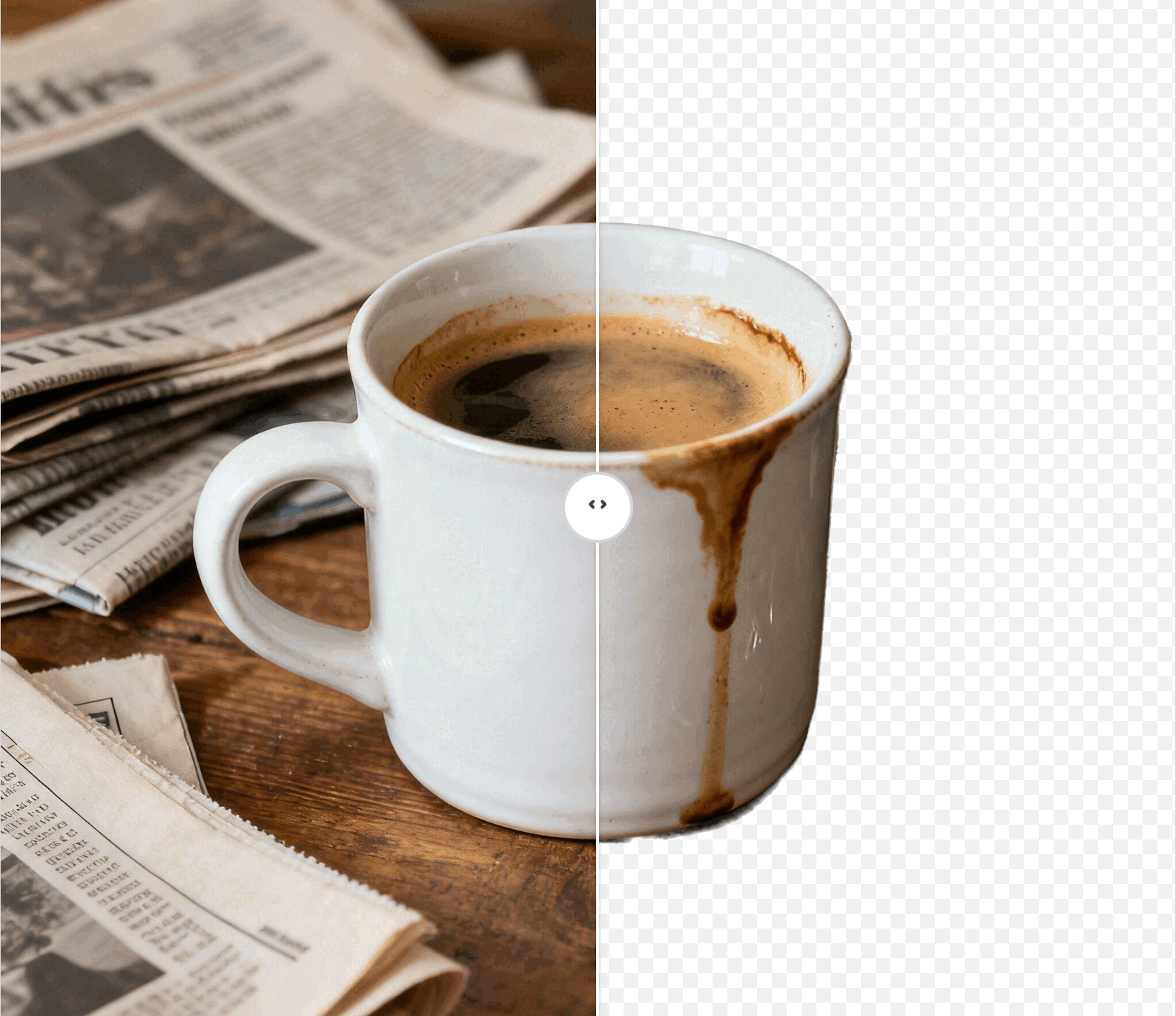
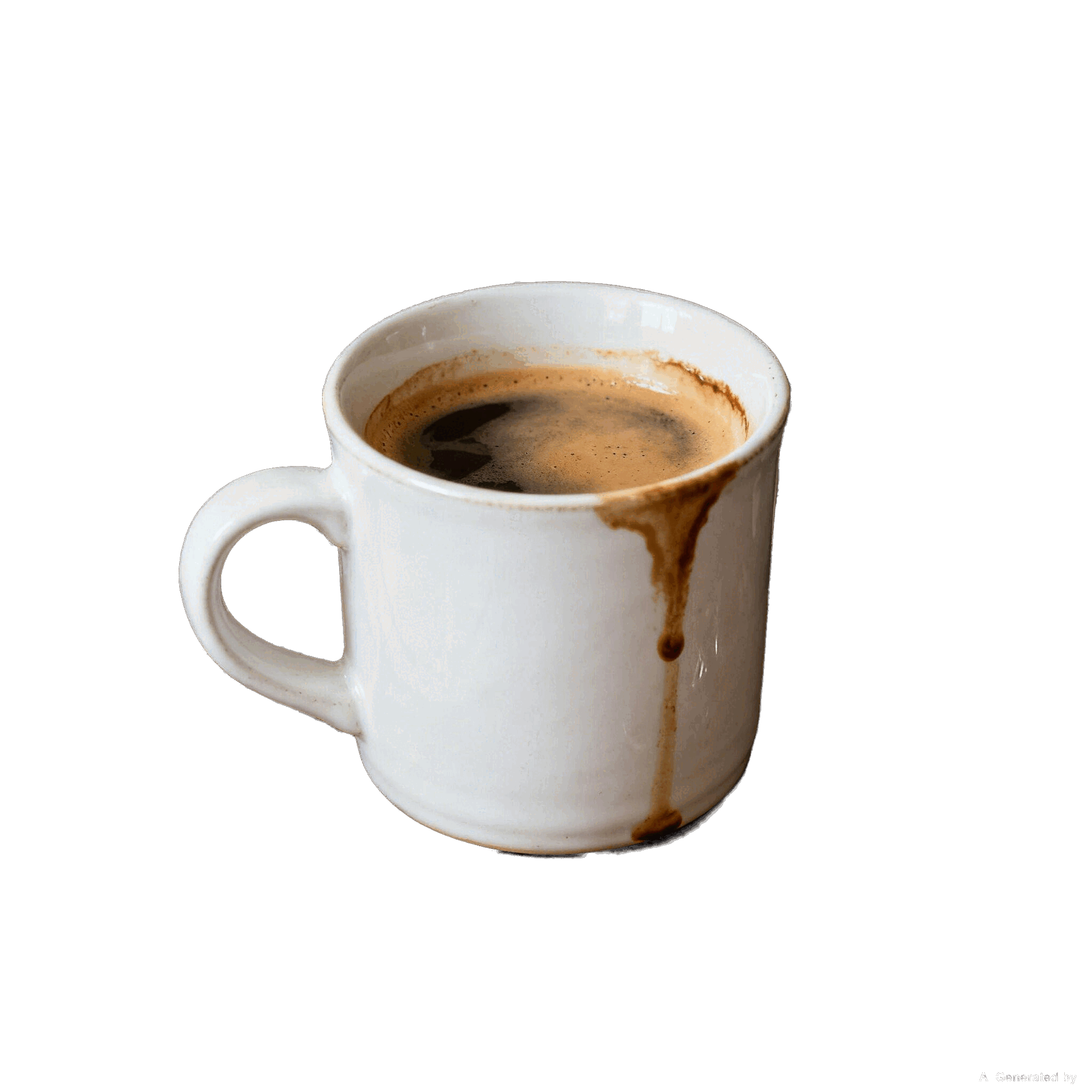
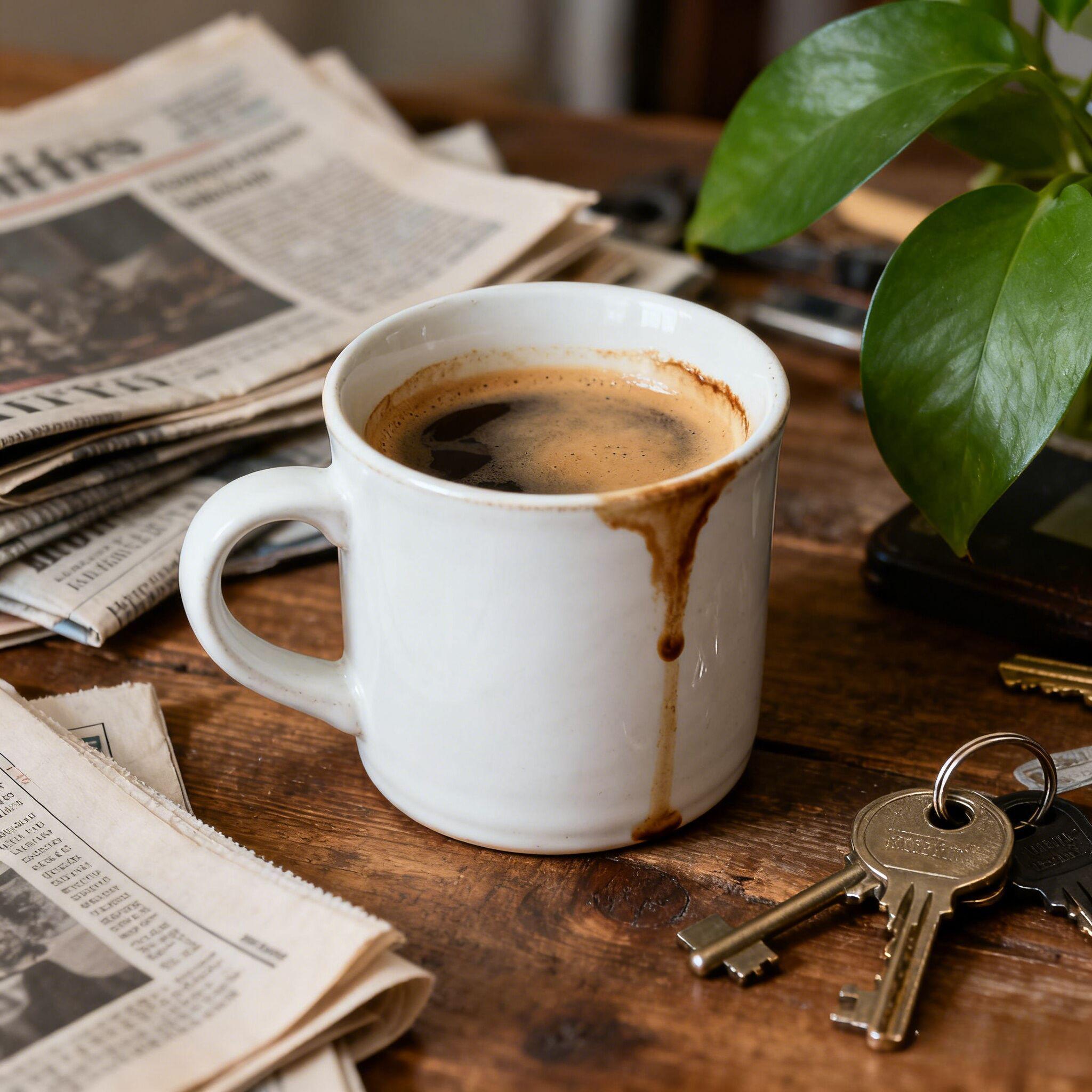
Lifestyle prop prep
background remover lifestyle shot - white ceramic mug on pure white backdrop
Polish lifestyle props and maintain realistic lighting for catalog layouts and hero cards.
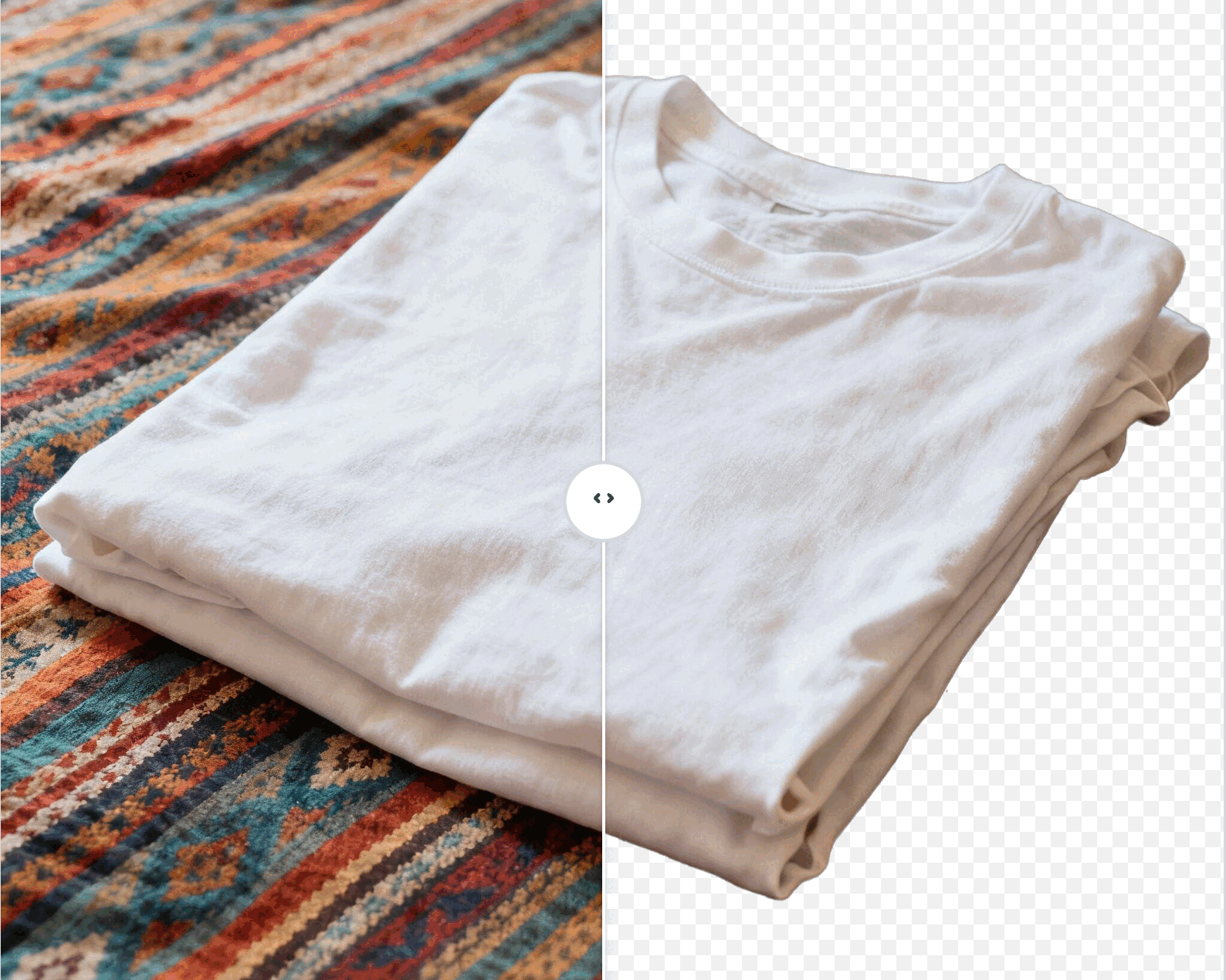
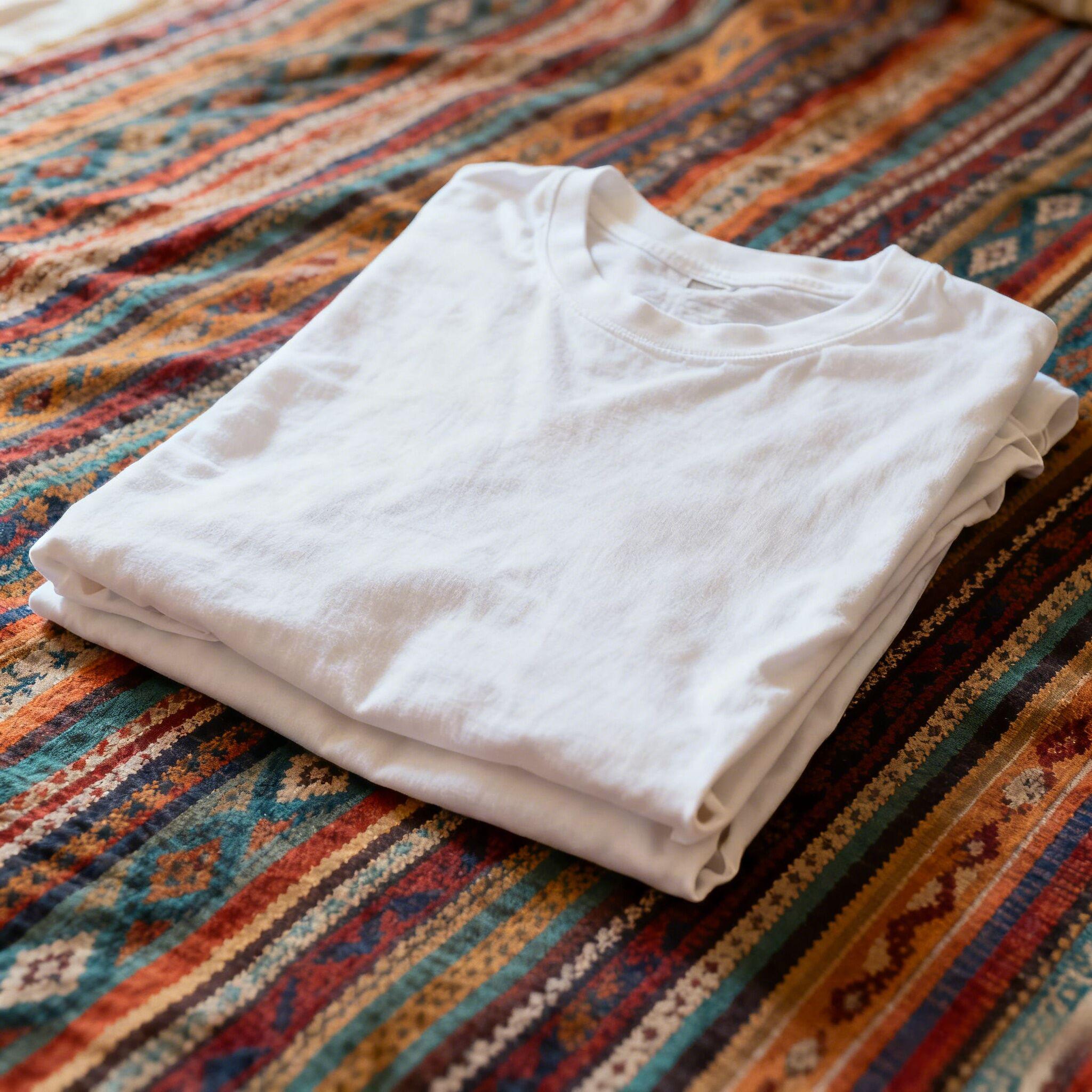
Apparel flat lay
background remover product photo - folded white tshirt on clean backdrop
Cut distracting linens and export a studio-ready tee for Amazon, Shopify, or Etsy in seconds.
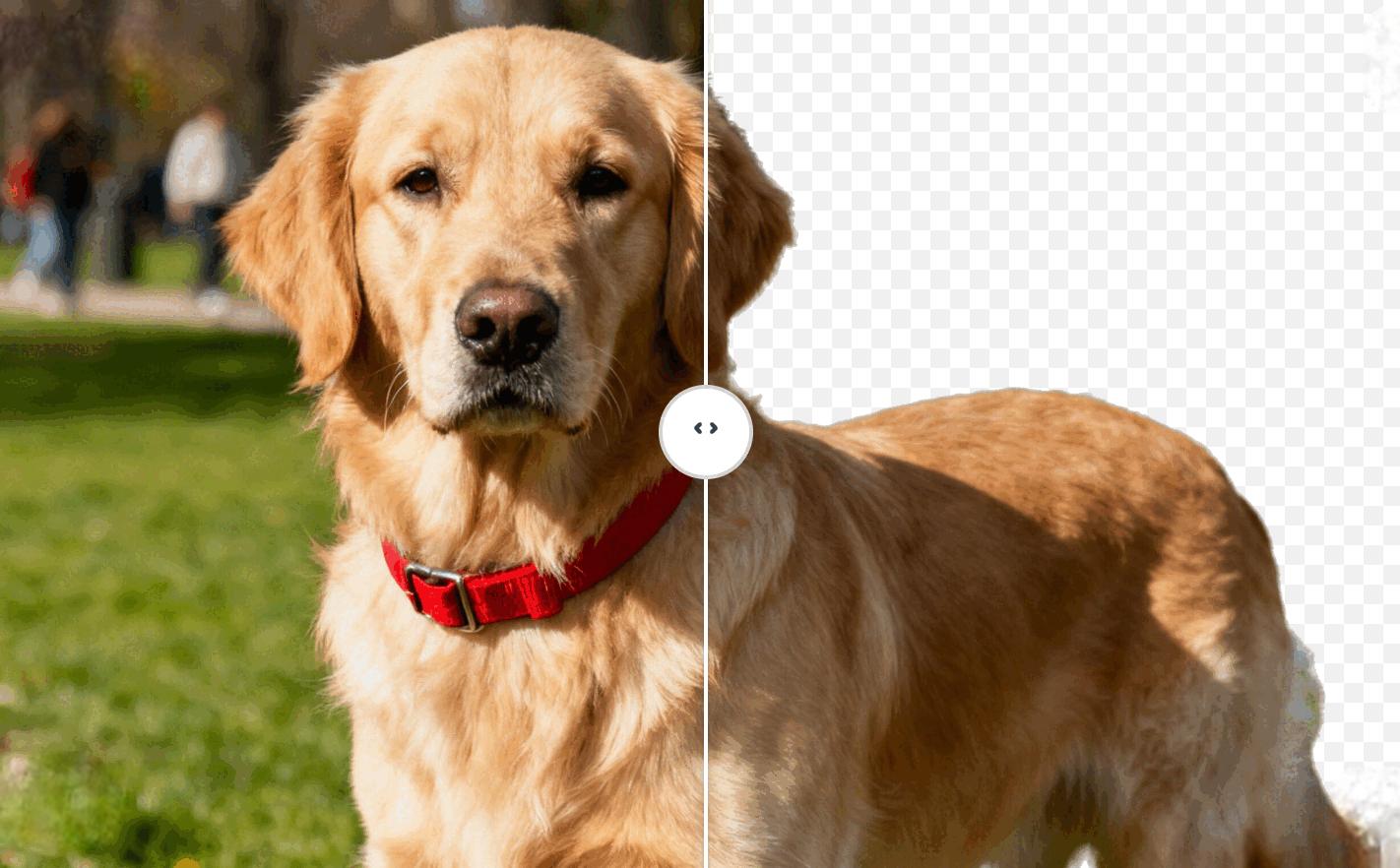
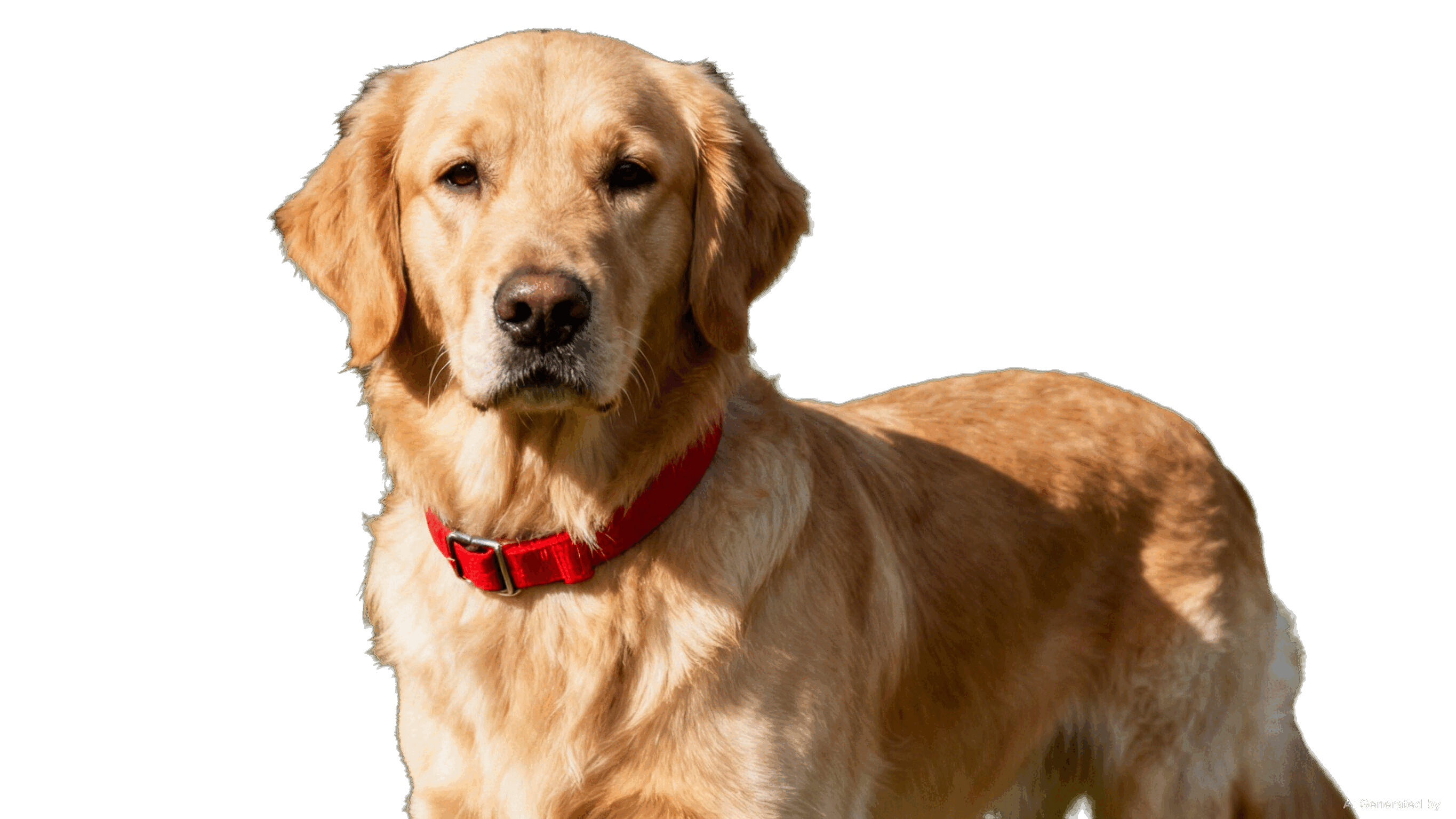
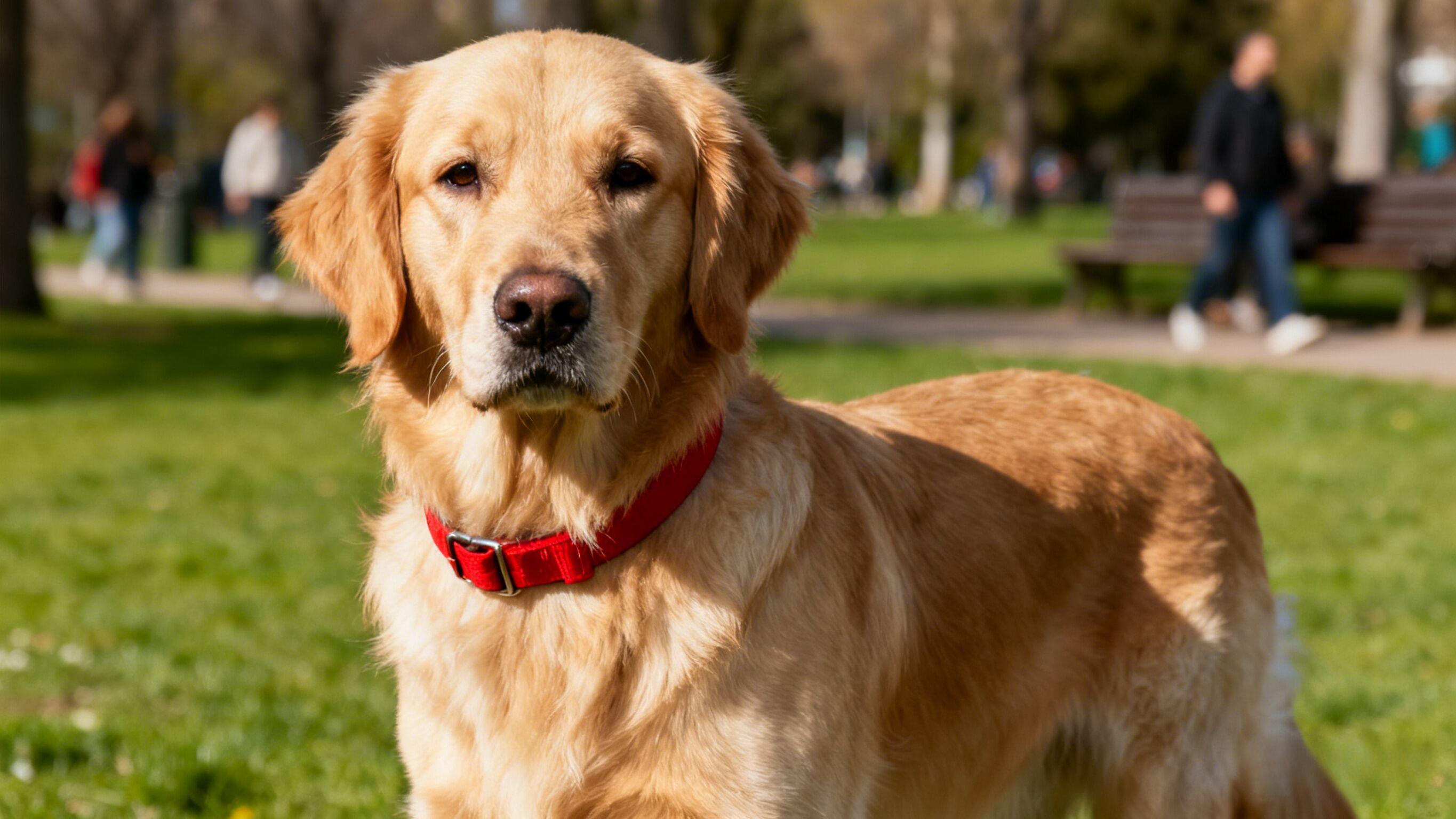
Pet portrait cleanup
background remover pet portrait - golden retriever with red collar isolated
Keep every strand of fur sharp while removing park crowds for rescue listings and social posts.
How to remove background from a picture
Upload your image
Step1: Click Upload image and select a JPG, PNG, or HEIC file to begin editing. For best results, use a high-quality image where the subject has clear, defined edges.
Remove background
Step2: AI will automatically remove the background from your image in seconds. After, you can refine the cutout or add a new background.
Download image
Step3: Download your image as a PNG with no background or keep editing until your image is ready to be shared or used on your next project.
Instant and automatic background remover
Our BG Remover automatically removes the background in less than 3 seconds! With our AI-powered technology, you'll be amazed at how quickly and perfectly you can remove the background in your images and get a nice transparent background. Gone are the days of tedious manual editing—just let AI do its wonders and you'll have images with transparent or white backgrounds in seconds.
Easily remove background from product images
We offer an easy and intuitive solution to remove backgrounds from product images. Simply upload your image and watch the AI automatically cut out your product and put it over a transparent background. Our BG remover accurately cuts through intricate details like fine jewelry filigree, thin frames on sunglasses, hair accessories, and even your model's hair.

Instant pet & wildlife background remover
Remove busy backgrounds from animal photos without losing fur texture, whiskers, or feathers. Upload your pet, zoo, or wildlife shot and let our AI deliver a clean, transparent PNG that is ready for catalogs, rescue listings, ecommerce mockups, or social posts. Swap in studio backdrops, add seasonal scenes, or keep it transparent for seamless layering while maintaining natural lighting on your subject.
Keep editing with other AI tools
Jump straight into the next workflow—no need to re-upload your image.
Magic Eraser
Erase unwanted people, logos, or dust after the cutout to keep subjects clean.
Image Upscaler
Sharpen the transparent PNG up to 4× so it stays crisp on every platform.
Generative Fill
Replace the removed background with new scenes, props, or textures using AI fills.
Uncrop Canvas
Extend your frame to any ratio and generate extra backdrop around the subject.
Frequently Asked Questions
Happy Users
Perfect for e-commerce
The background remover saves me hours every week. I can create professional product photos for my online store in seconds without hiring a photographer.
Incredible upscaling quality
I upscaled old family photos to 4K resolution and the results are stunning. The AI preserved all the details and made them look like they were taken yesterday.
Removes unwanted objects flawlessly
Magic Eraser is a game-changer for my real estate photos. I can remove power lines, trash cans, and other distractions in seconds. Clients love the clean results.
Generative Fill is magical
I use Generative Fill to extend backgrounds and add missing elements to my designs. It's like having a professional designer on demand, and the results blend perfectly.
Uncrop changed my workflow
Changing image aspect ratios used to be a nightmare. Now I can expand any photo to fit social media formats or print sizes without losing quality or cropping important details.
Fast and professional results
As a small business owner, I can't afford expensive photo editing services. This tool gives me professional-quality results in minutes, not days.
Best AI editing tool I've used
I've tried many AI image editing tools, but this one combines all the features I need in one place. The interface is intuitive and the results are consistently excellent.
Saves time and money
I used to outsource all my image editing work. Now I handle everything in-house with this tool, saving hundreds of dollars monthly while maintaining the same quality.
Perfect for social media
Creating content for Instagram and TikTok is so much easier now. I can remove backgrounds, upscale images, and adjust aspect ratios all in one workflow.
Professional quality, easy to use
The results look like they came from a professional studio, but anyone can use it. No technical skills required—just upload, edit, and download. It's that simple.