Free AI Uncrop
Expand your images beyond their borders using AI. Add more space to your photos naturally.
Describe what to add in the expanded area
Upload image or drop photos here
JPG, PNG, GIF, WebP, or HEIC (max 10MB)
By uploading an image you agree to our Terms and Privacy Policy
Uncrop before/after ideas
These examples show how the expand model rebuilds pets, portraits, and landscapes beyond the original frame.
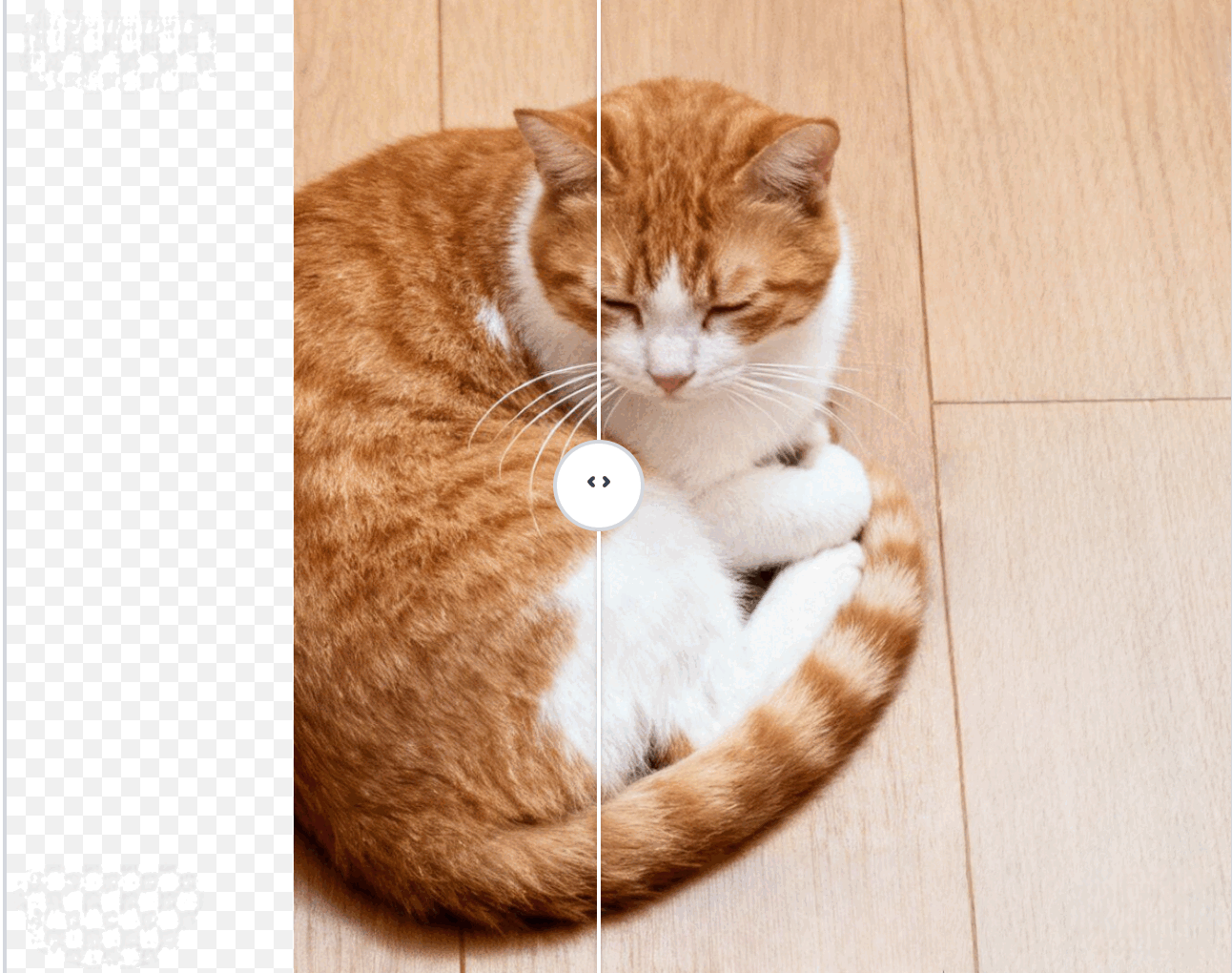
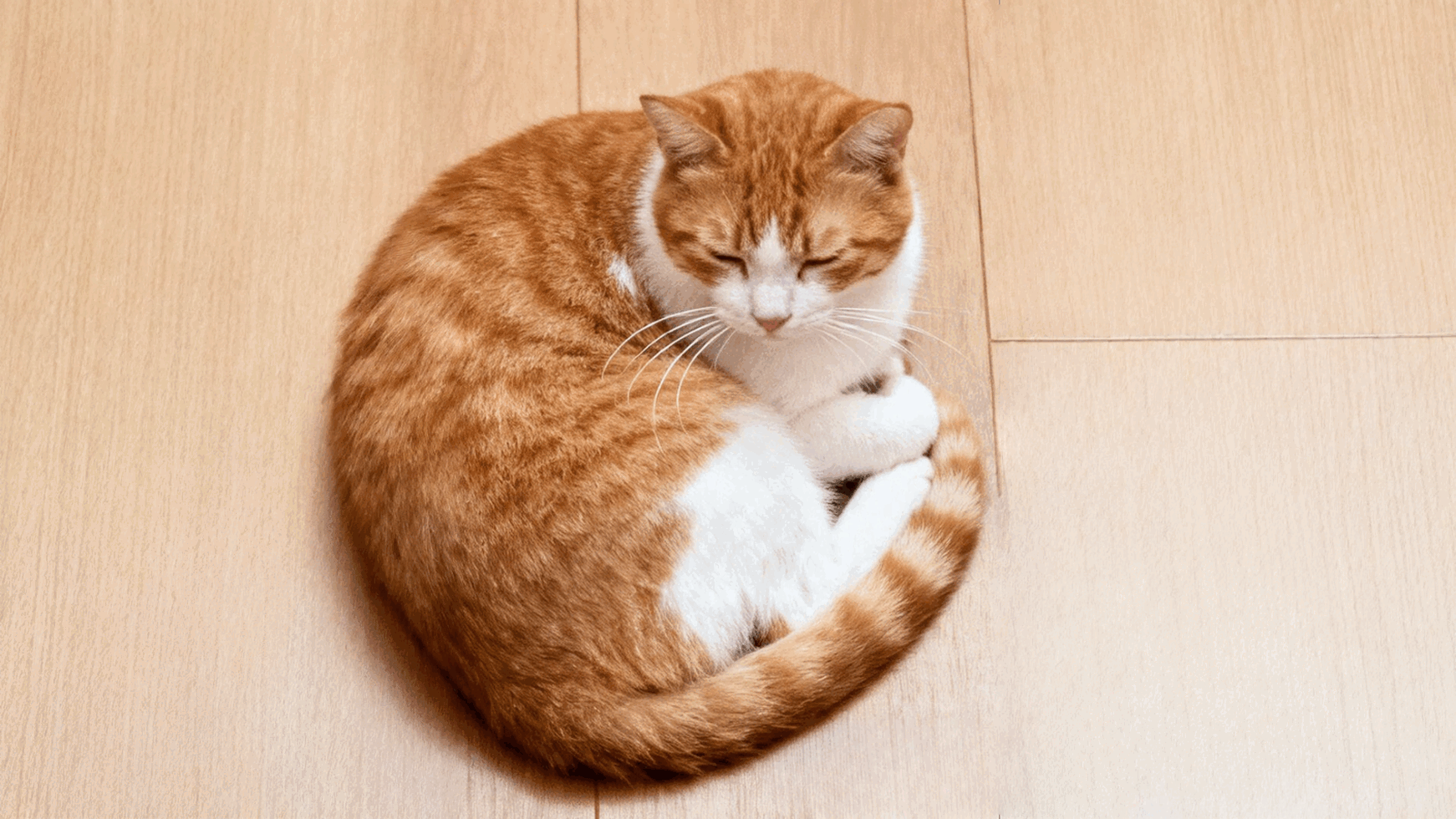
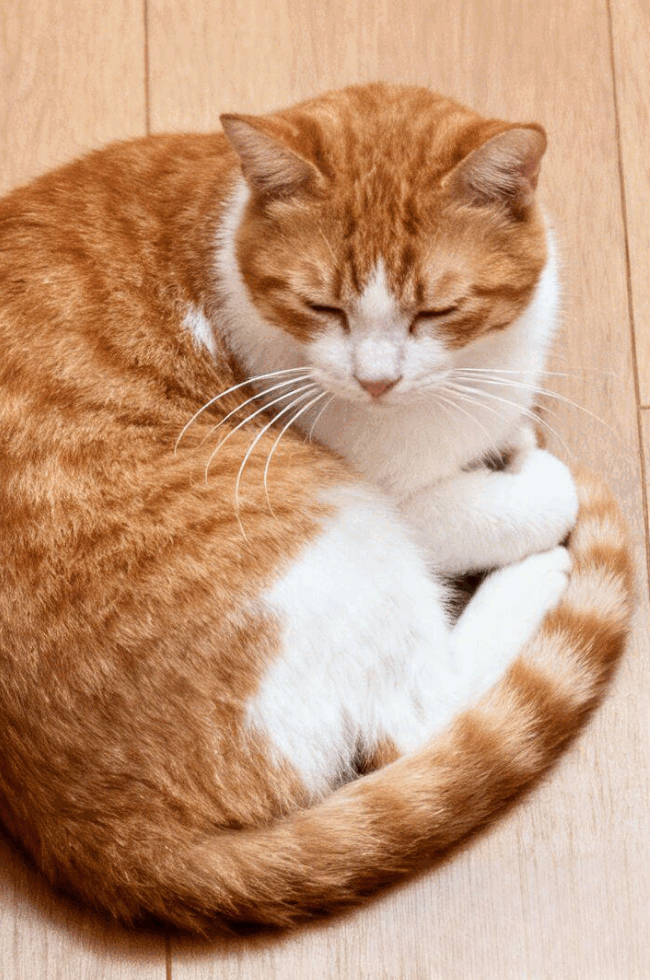
Cat portrait extension
uncrop tool sample - orange white cat extended beyond tight crop
Add breathing room around pets so you can reuse the same shot across Reels, Shorts, and banners.
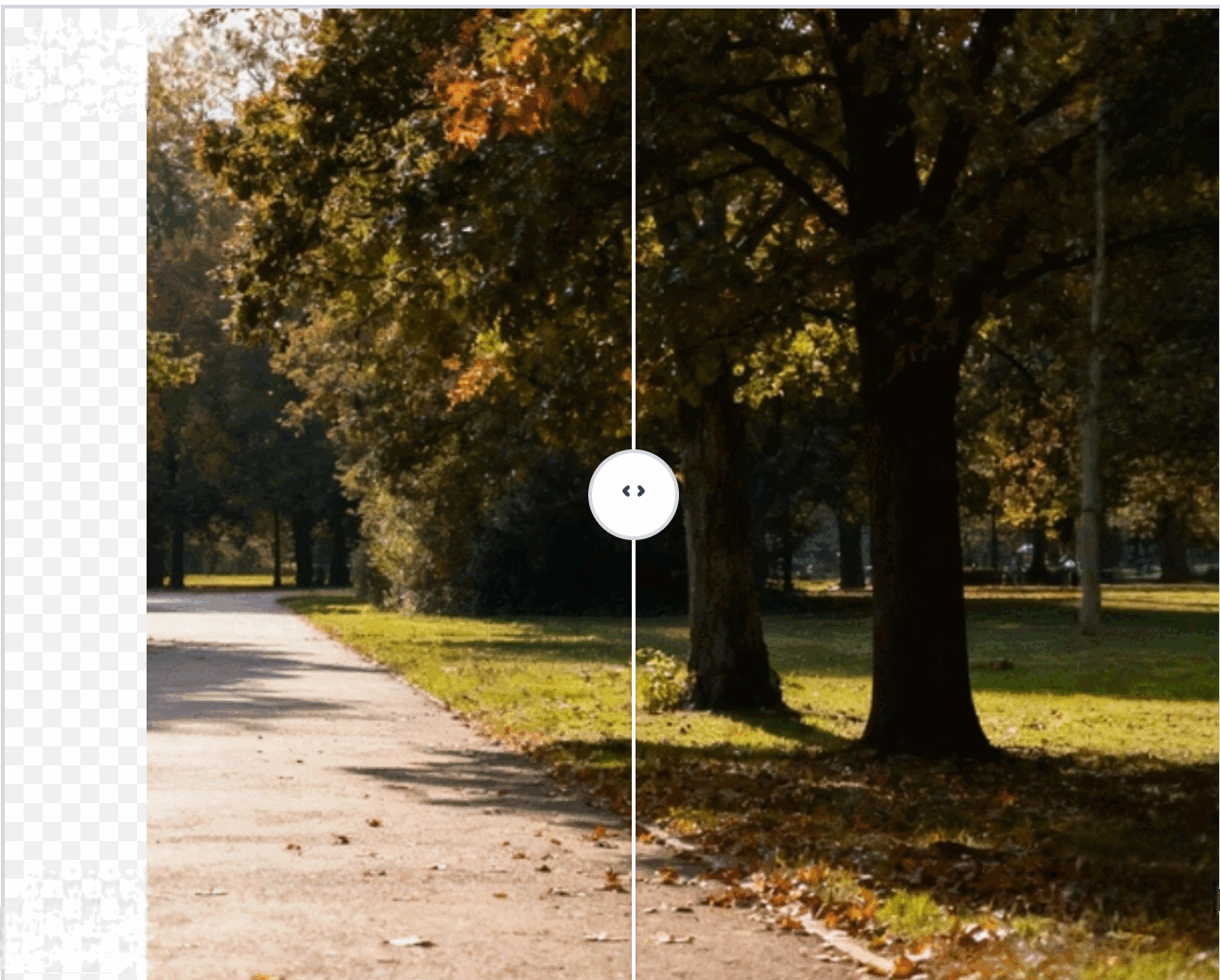
Park path widescreen
uncrop tool park path sample - extend cropped walkway scenery
Grow scenic walkways out to 16:9 so travel vlogs and hero images have cinematic negative space.
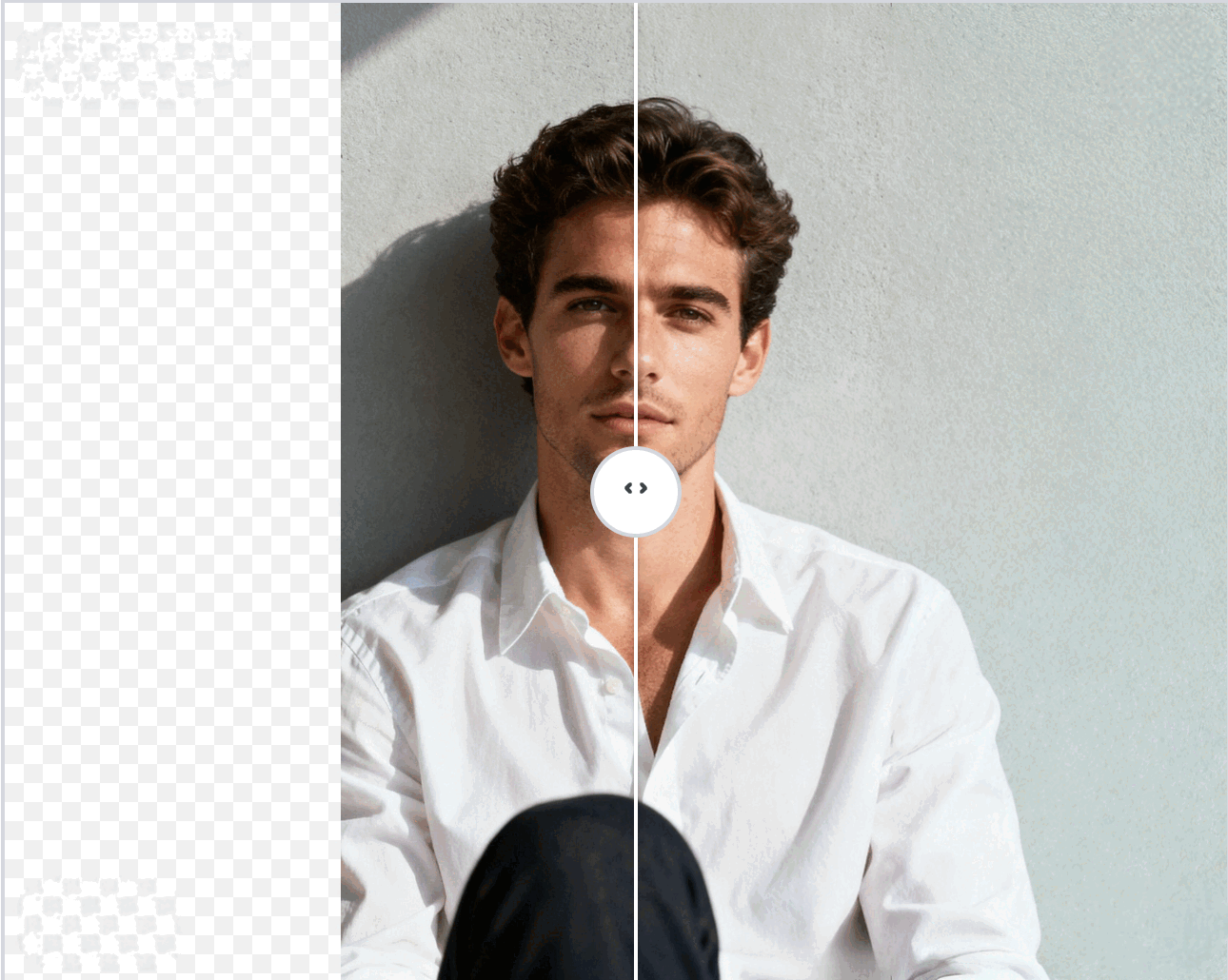
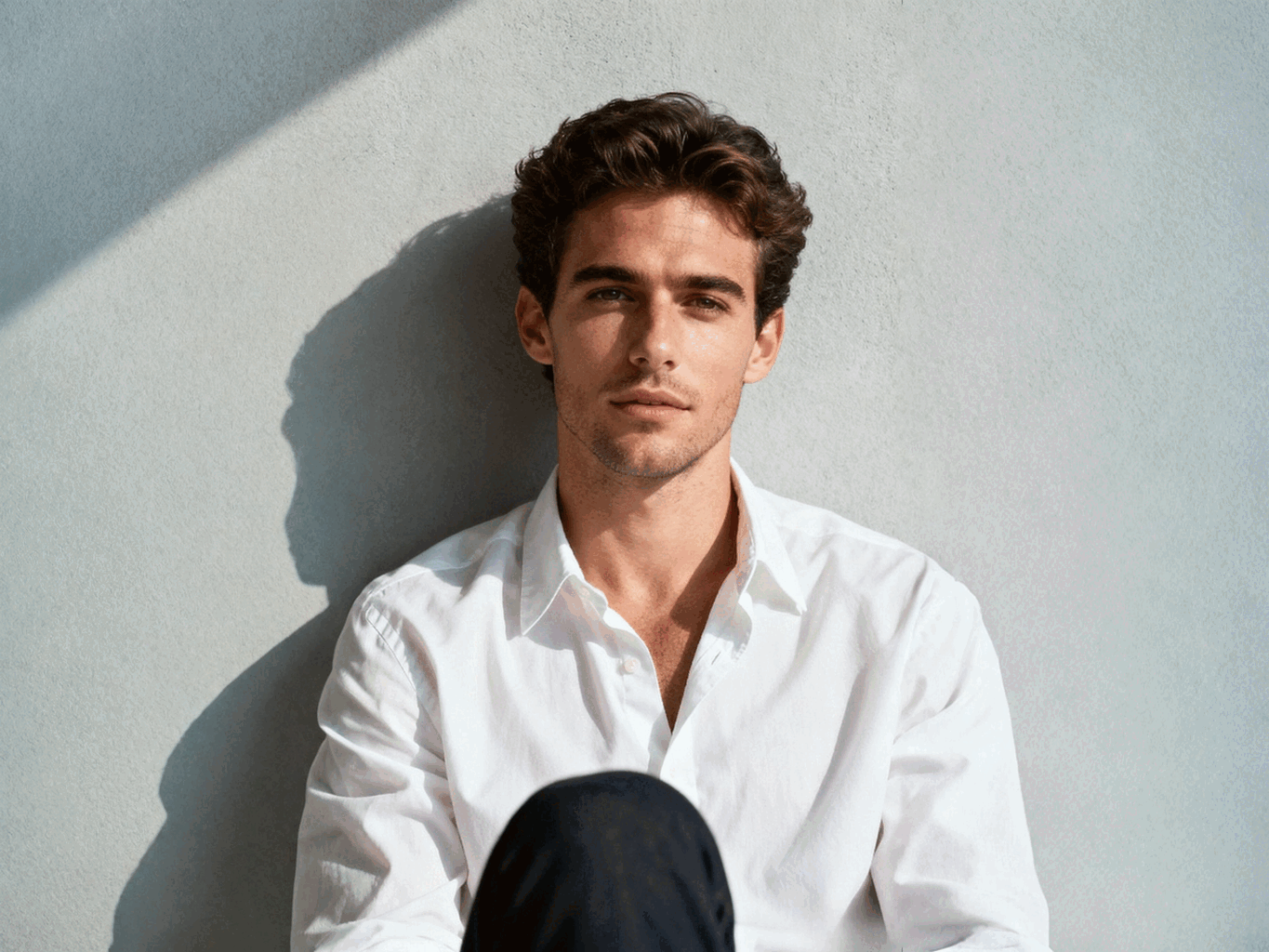
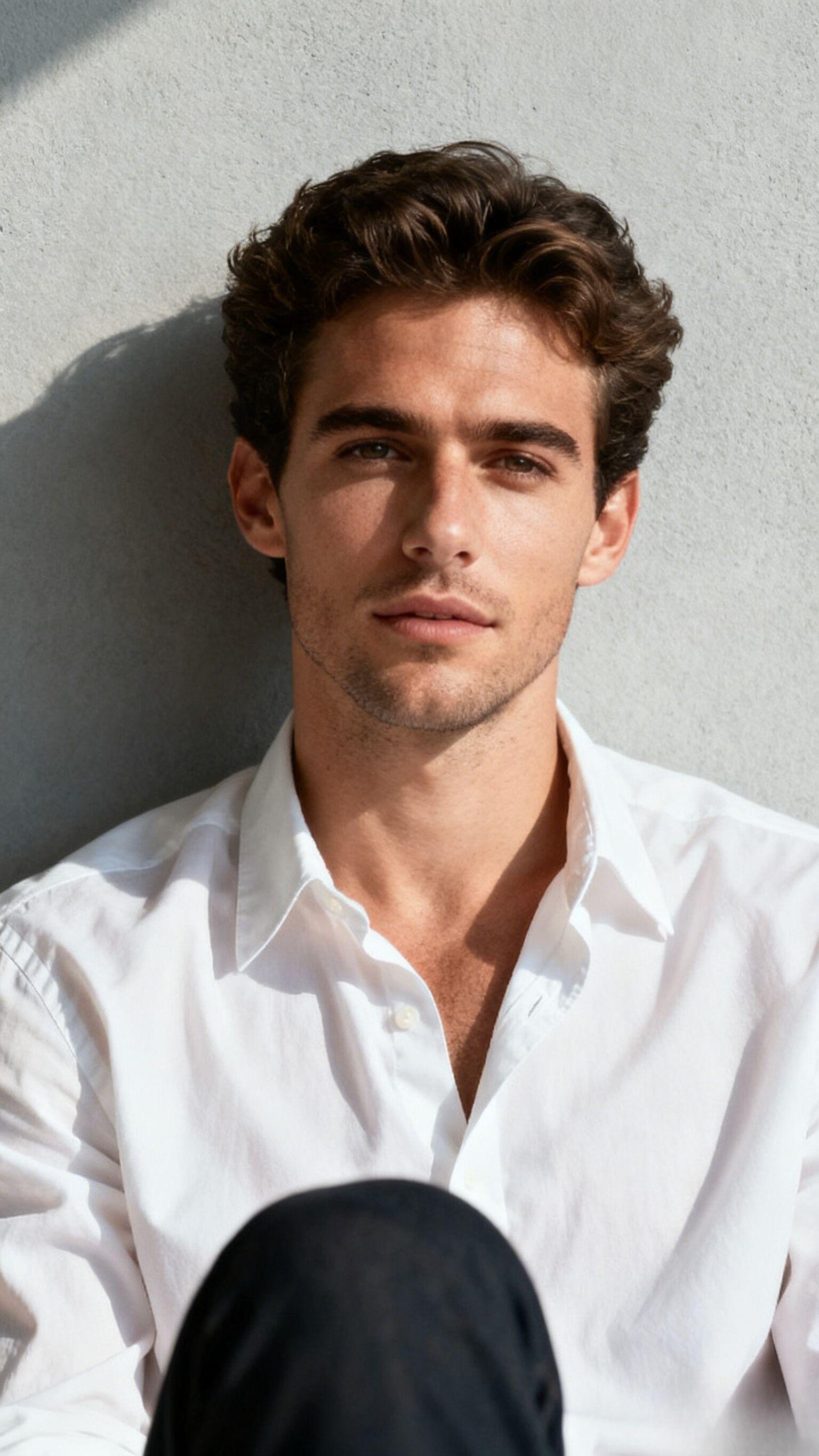
Editorial portrait framing
uncrop tool portrait sample - fix cut off edges on studio shot
Regain cropped shoulders and hair to fit posters, pitch decks, and rotating ad placements.
How to uncrop any photo
Upload & describe the scene
Step1: Drop your image, add an optional prompt (e.g. 'extend the marble table') and choose a target aspect ratio or drag the expansion box.
Mark the focal area
Step2: Drag the selection box to define what should stay untouched. Areas outside the box will be generated with matching lighting and perspective.
Generate & download
Step3: Hit Expand and let AI render edge-to-edge content. Preview the expanded canvas, then export a PNG for social, ads, or print.
Turn tight portrait crops into magazine covers
Extend portrait canvases for posters or Reels without stretching the subject. The model recreates fabric folds, hair, and backdrops that match the original studio lighting.
Reframe product shots to any ratio
Need 4:5 for Instagram and 16:9 for ads? Keep the product sharp while generating seamless negative space around it.
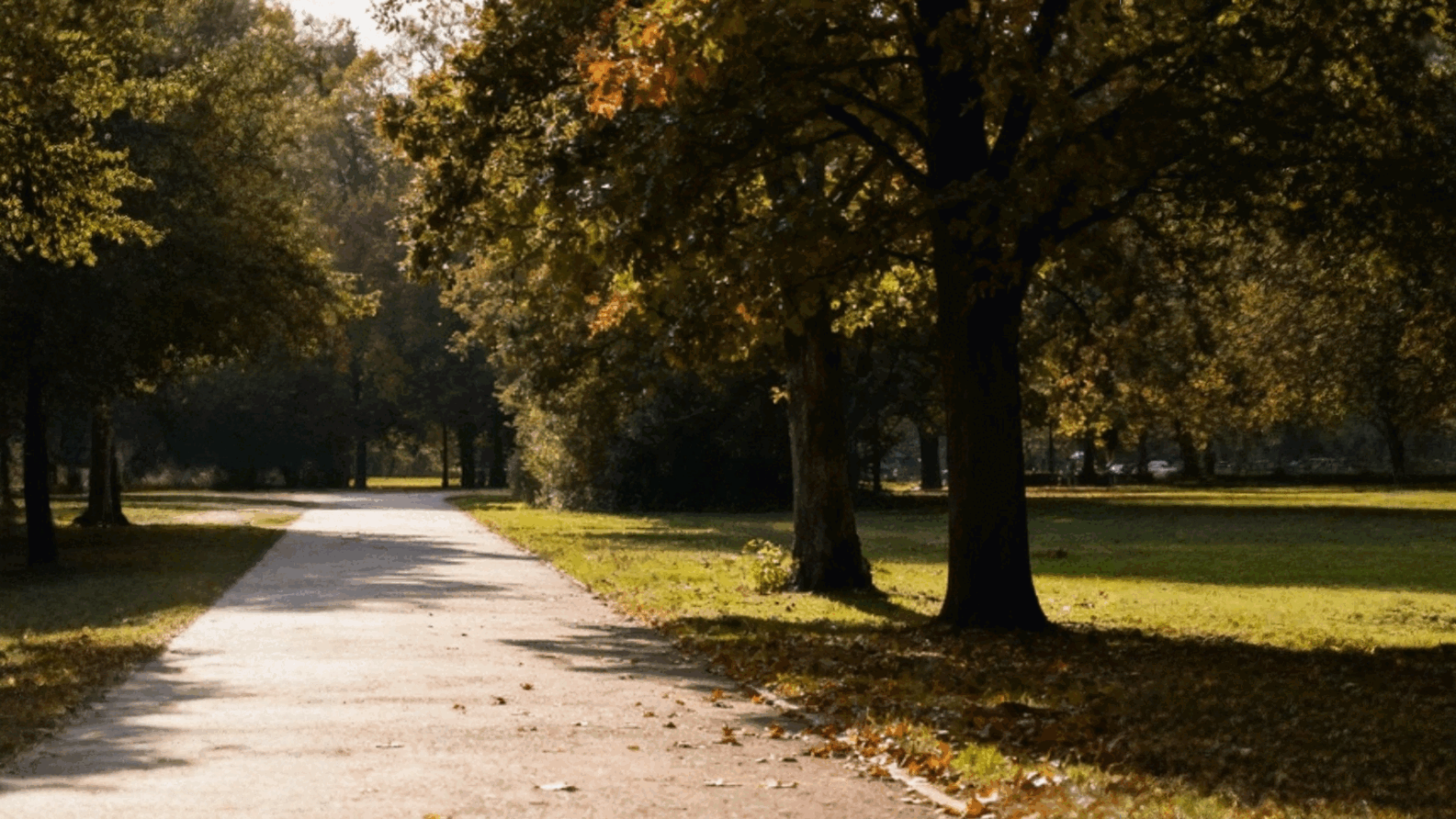
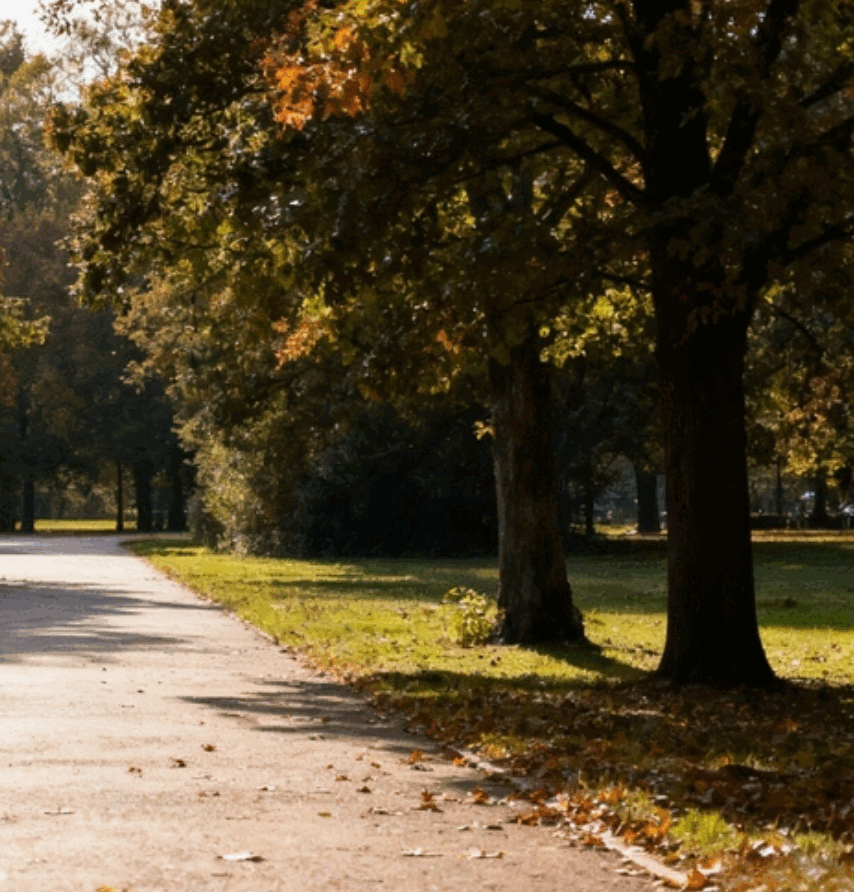
Add cinematic scenery for storytelling
Outpaint extra sky, ocean, or architecture to give your photos a cinematic sense of place. Perfect for hero banners and travel blogs.
Chain other AI tools after uncropping
Keep editing momentum—send the expanded canvas straight into other workflows.
Generative Fill
Add new props, sky, or text elements inside the extended canvas.
Magic Eraser
Erase distractions that show up after reframing without leaving the page.
Image Upscaler
Boost the final uncropped export to 4× resolution for print or large screens.
Background Remover
Knock out the subject from the expanded scene for instant compositing.
Frequently Asked Questions
Happy Users
Perfect for e-commerce
The background remover saves me hours every week. I can create professional product photos for my online store in seconds without hiring a photographer.
Incredible upscaling quality
I upscaled old family photos to 4K resolution and the results are stunning. The AI preserved all the details and made them look like they were taken yesterday.
Removes unwanted objects flawlessly
Magic Eraser is a game-changer for my real estate photos. I can remove power lines, trash cans, and other distractions in seconds. Clients love the clean results.
Generative Fill is magical
I use Generative Fill to extend backgrounds and add missing elements to my designs. It's like having a professional designer on demand, and the results blend perfectly.
Uncrop changed my workflow
Changing image aspect ratios used to be a nightmare. Now I can expand any photo to fit social media formats or print sizes without losing quality or cropping important details.
Fast and professional results
As a small business owner, I can't afford expensive photo editing services. This tool gives me professional-quality results in minutes, not days.
Best AI editing tool I've used
I've tried many AI image editing tools, but this one combines all the features I need in one place. The interface is intuitive and the results are consistently excellent.
Saves time and money
I used to outsource all my image editing work. Now I handle everything in-house with this tool, saving hundreds of dollars monthly while maintaining the same quality.
Perfect for social media
Creating content for Instagram and TikTok is so much easier now. I can remove backgrounds, upscale images, and adjust aspect ratios all in one workflow.
Professional quality, easy to use
The results look like they came from a professional studio, but anyone can use it. No technical skills required—just upload, edit, and download. It's that simple.