Free AI Image Upscaler
Enhance image resolution and quality with AI. Upscale your images up to 4x while maintaining sharp details.
Upload image or drop photos here
By uploading an image you agree to our Terms and Privacy Policy
AI upscaler before/after samples
These reference shots show how the 4× model restores texture, typography, and low-light scenes.
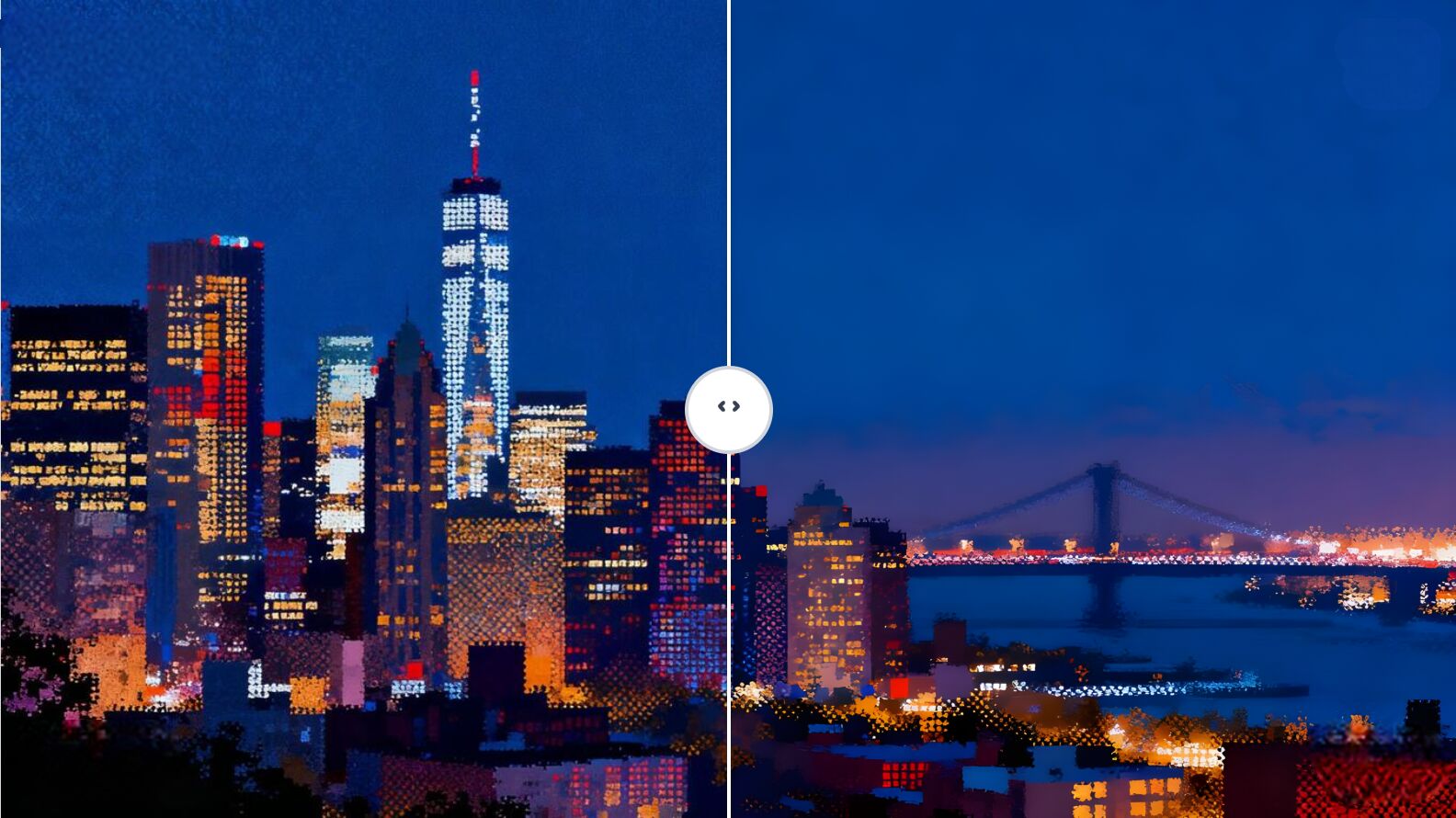
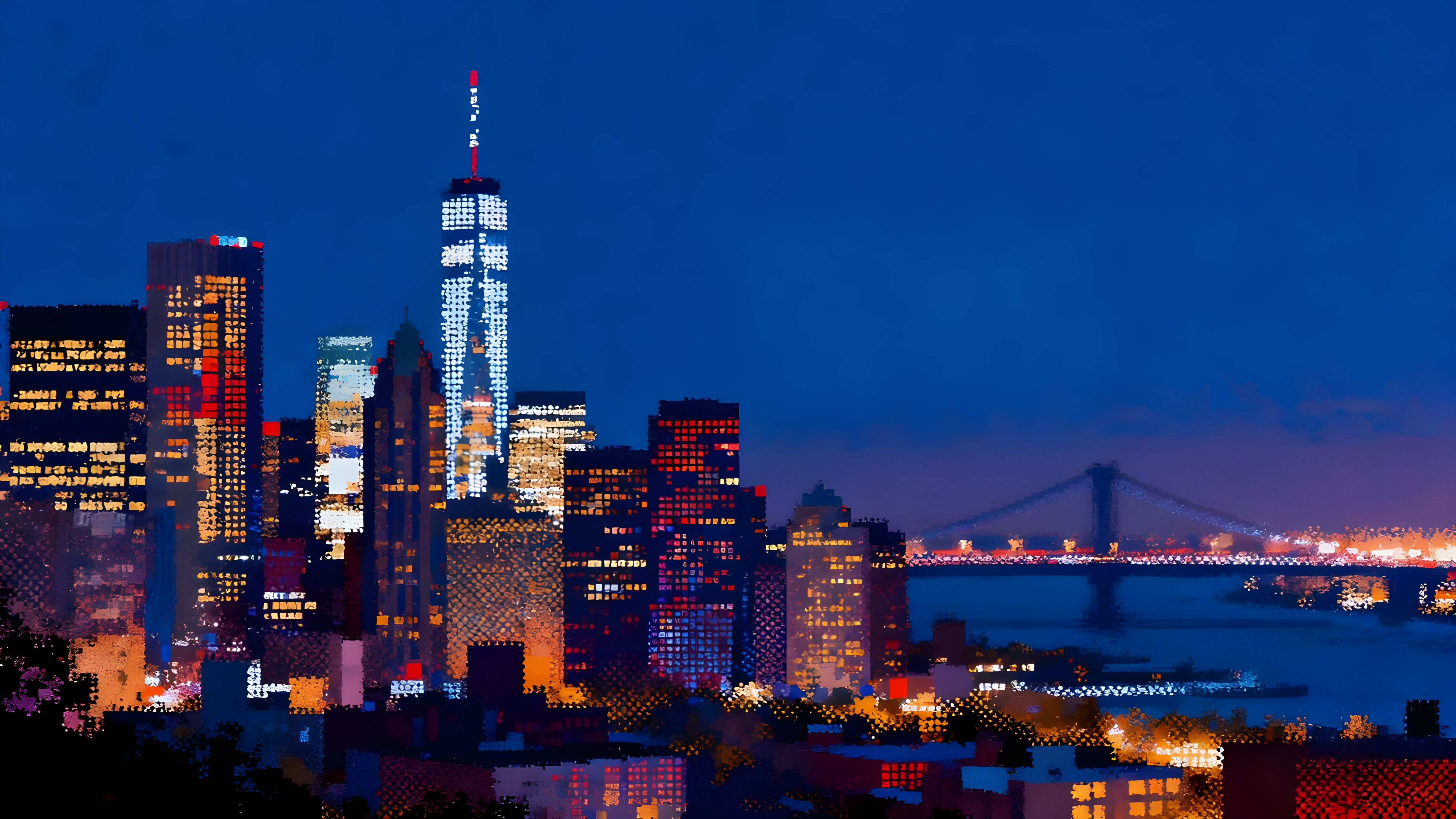
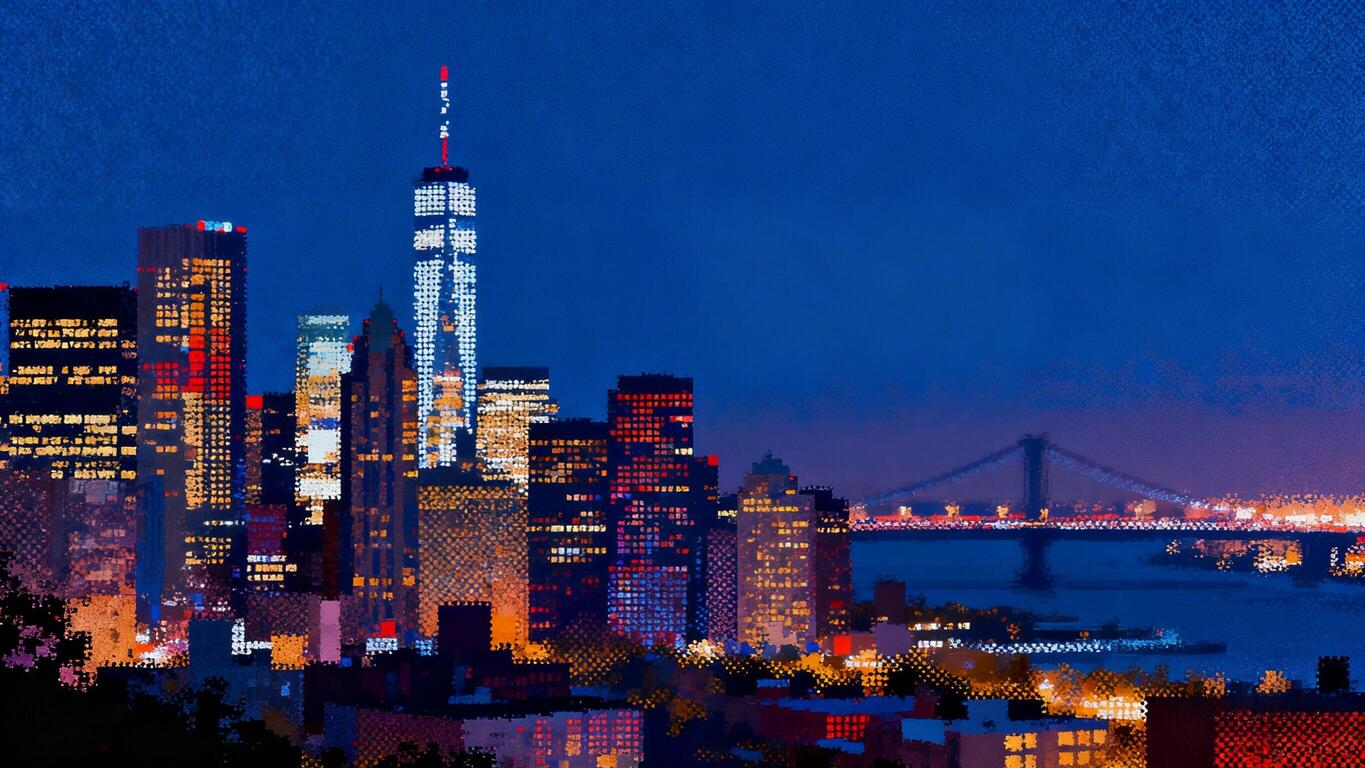
City skyline at night
ai image upscaler sample - blurry city skyline sharpened for social media
Recover neon lights and skyline edges from low-resolution phone shots before posting or printing.
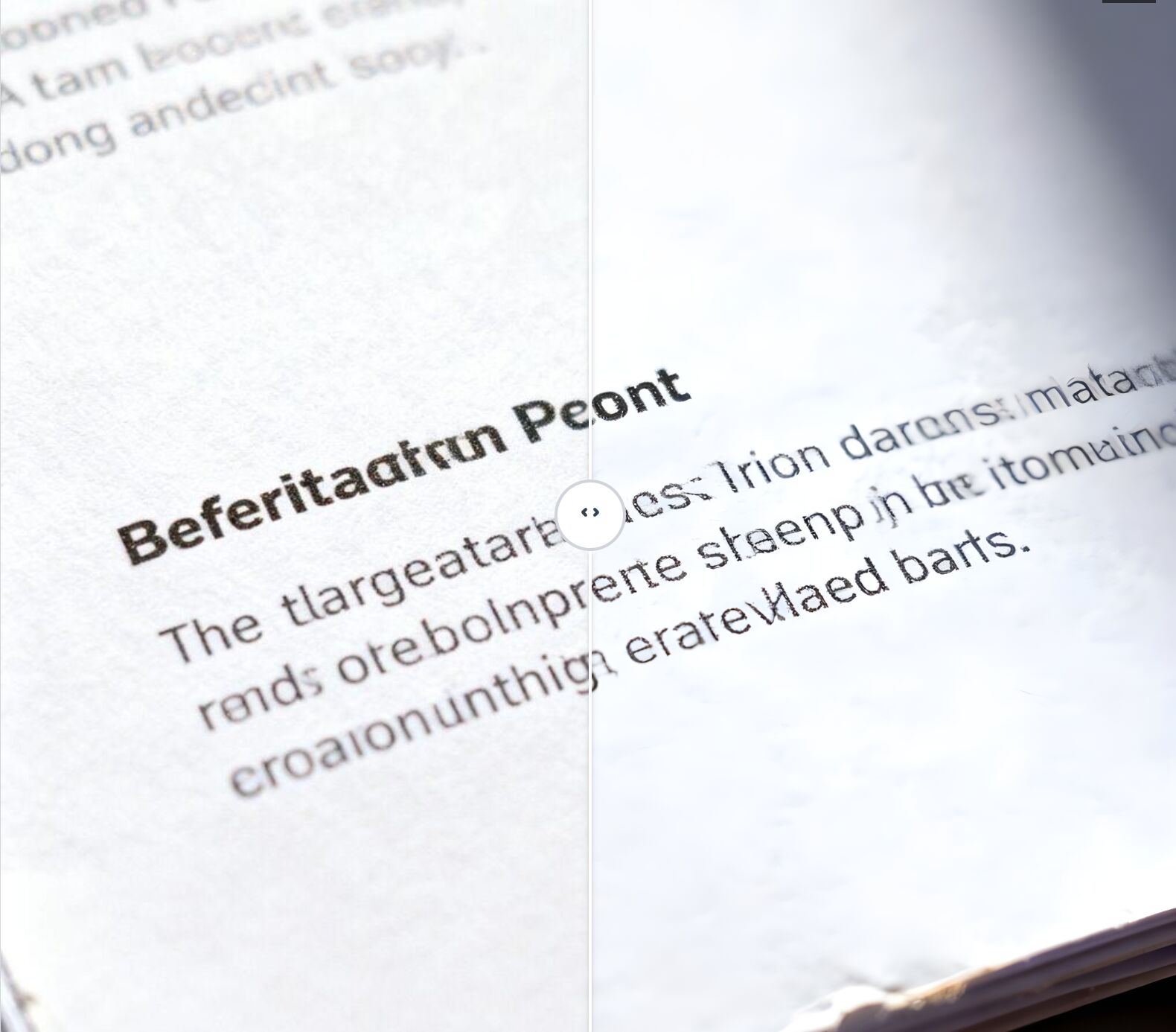
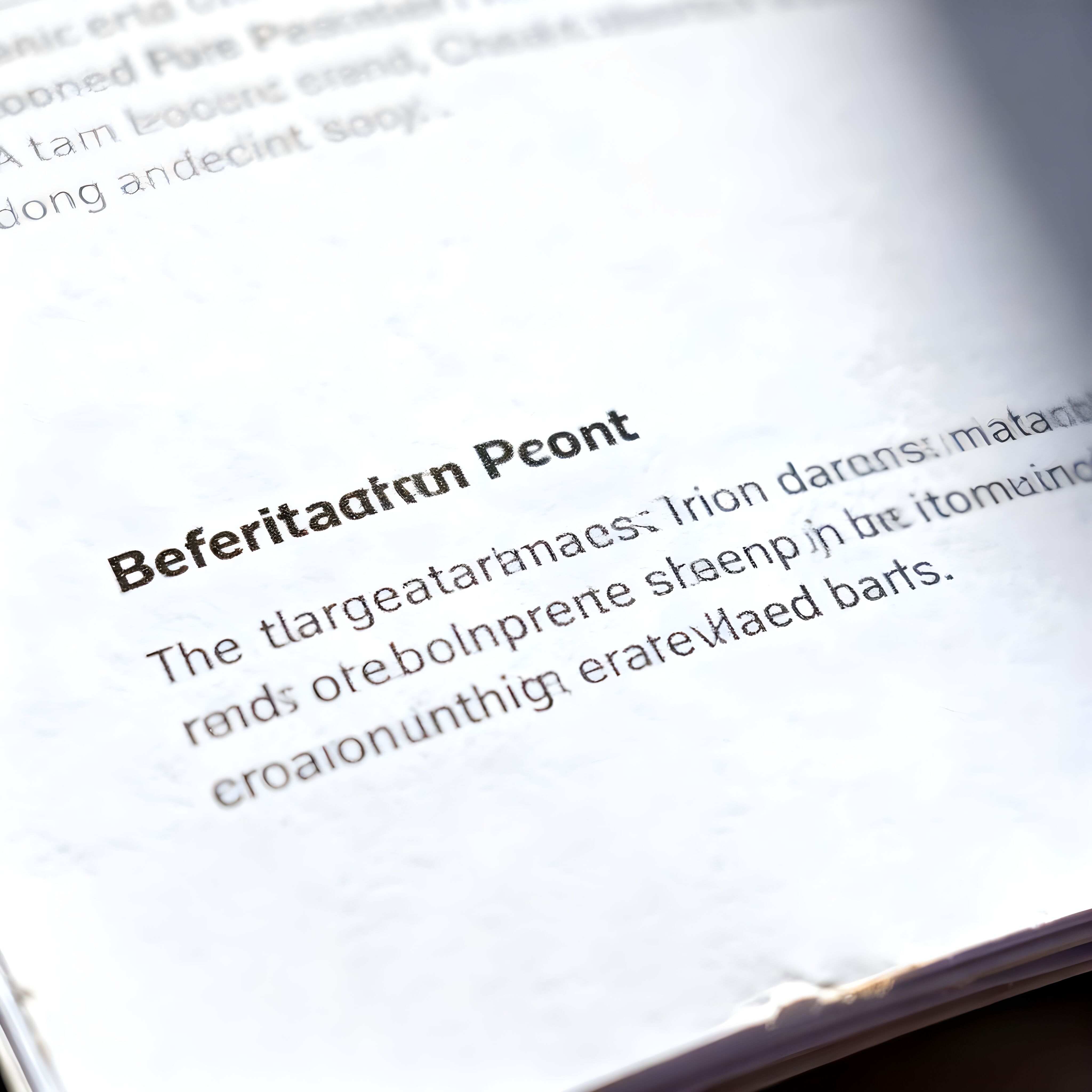
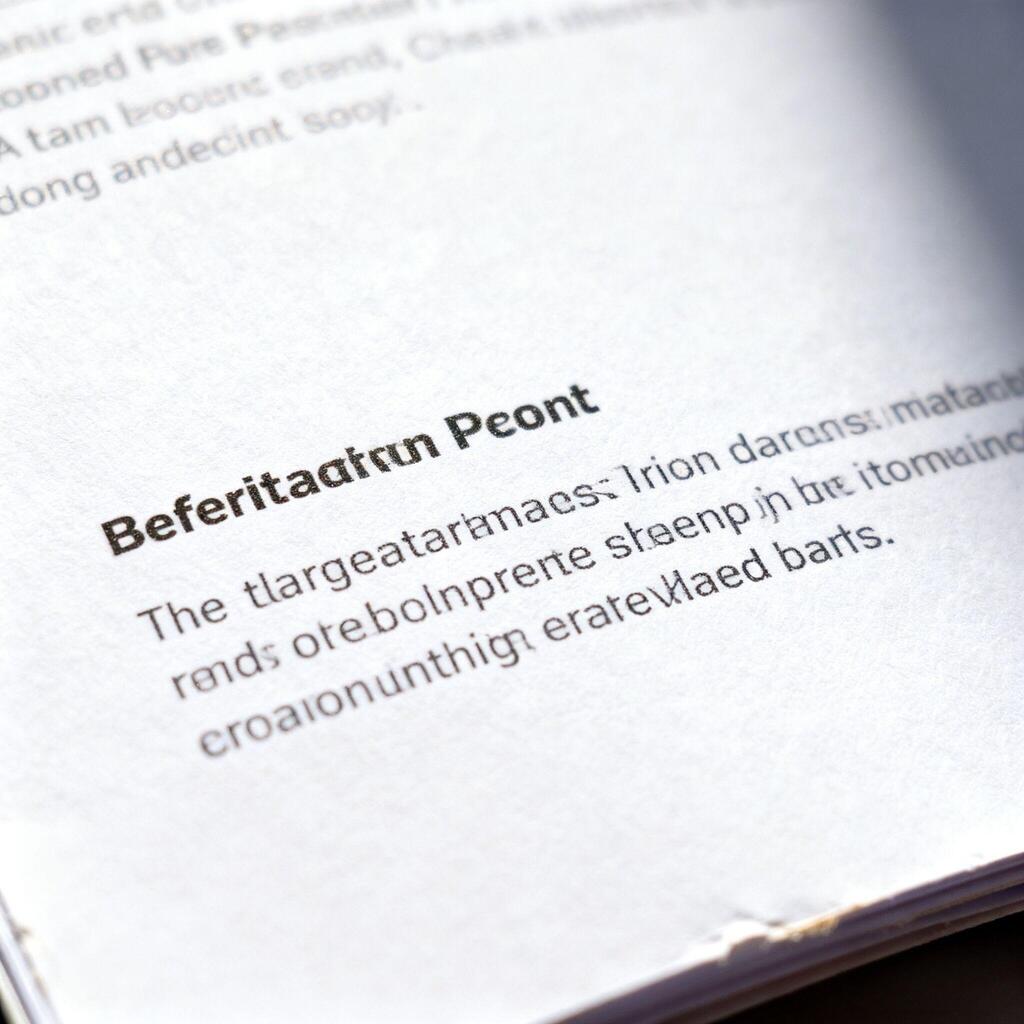
Instruction manual clarity
ai image upscaler text scan - product manual readability restored
Sharpen tiny fonts in scanned manuals so customers and support teams can read every detail.
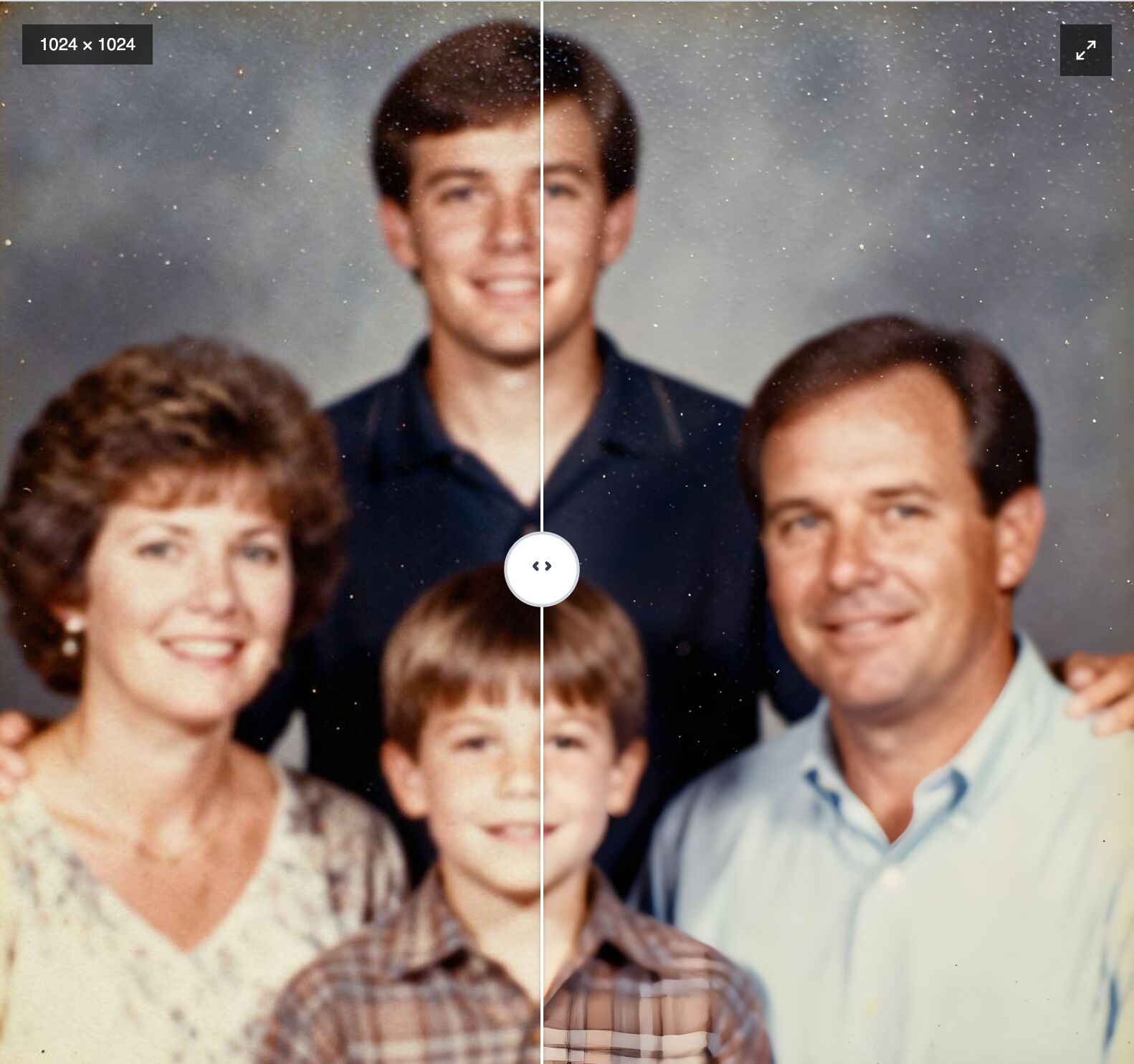
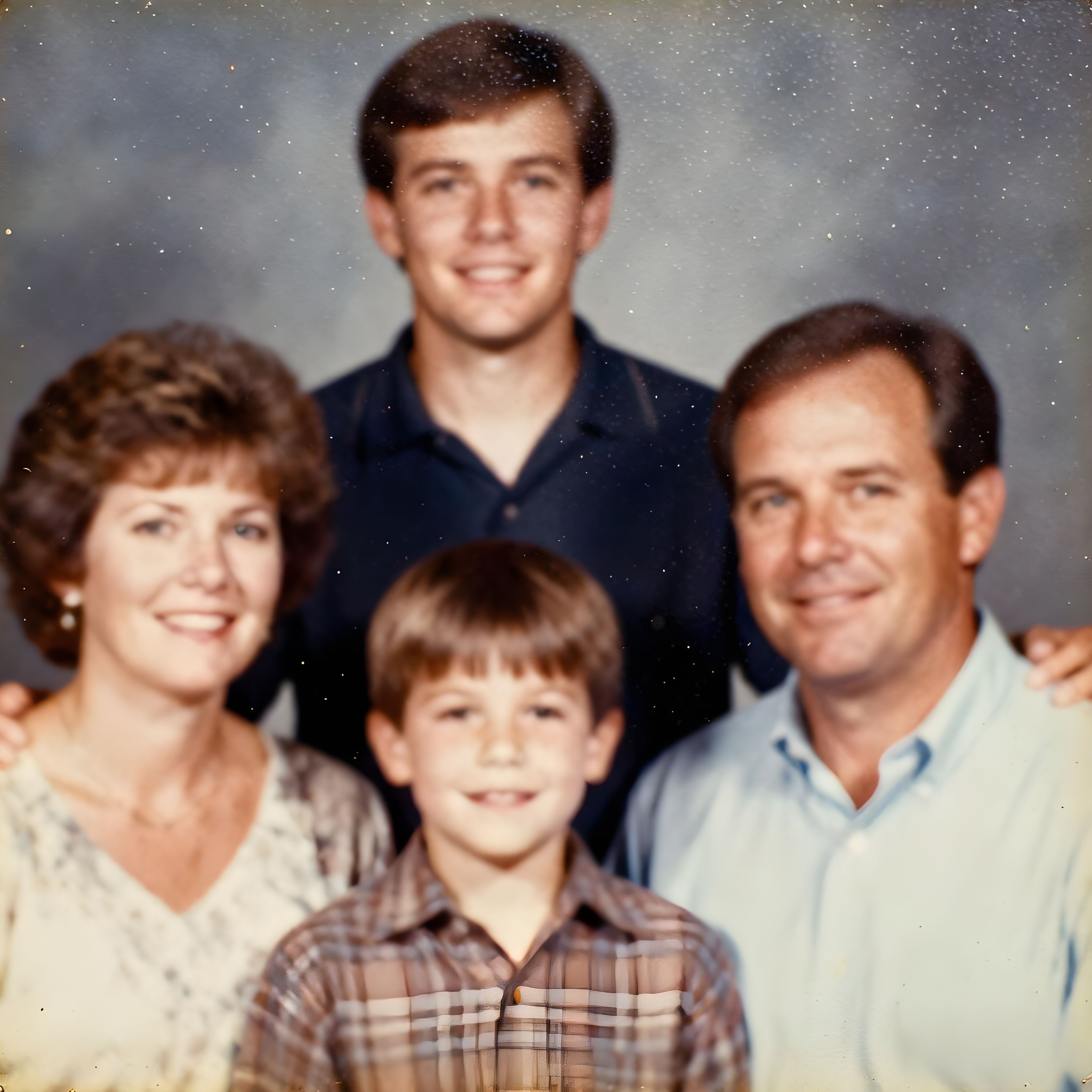
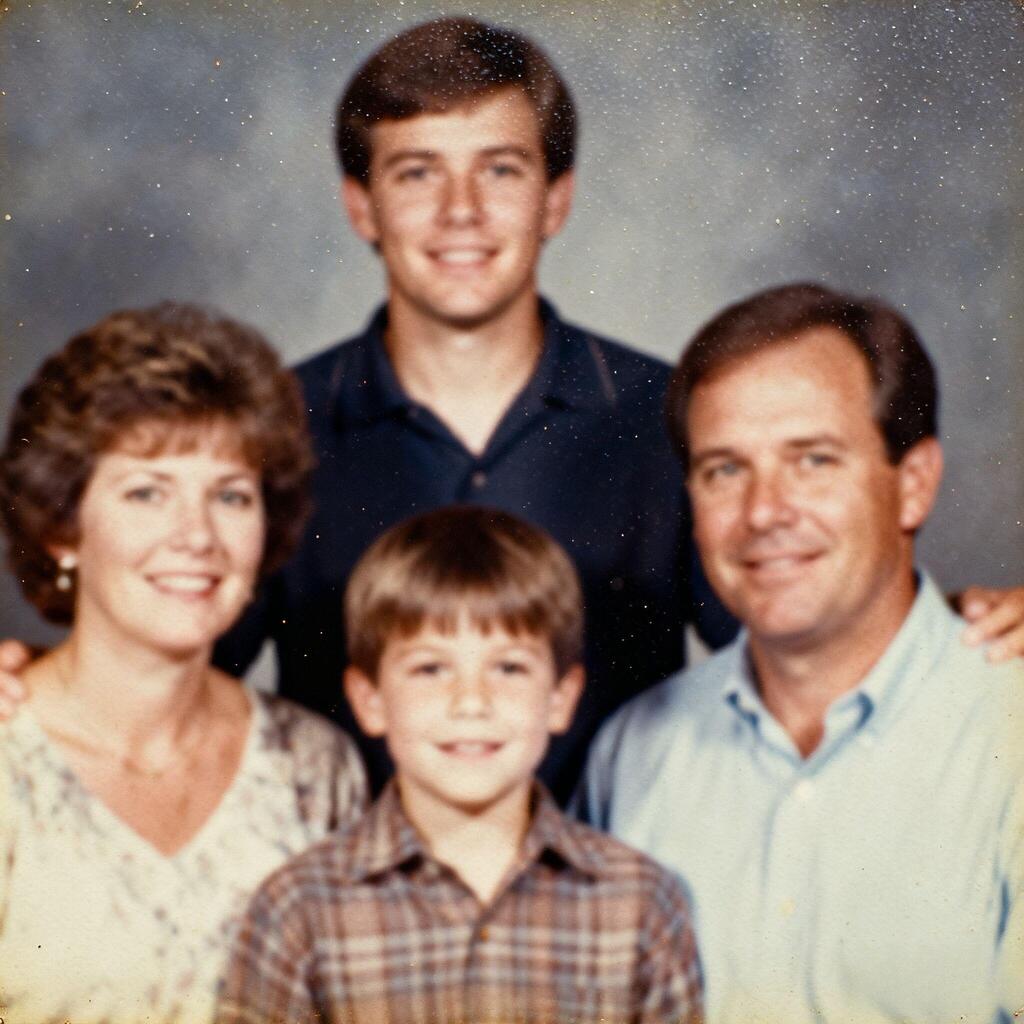
Vintage family portrait
ai image upscaler vintage family photo restored to hd
Reduce noise and bring back facial detail from treasured 2000s scans for albums and displays.
How to upscale images with AI
Upload your image
Step1: Click Upload image and select a JPG, PNG, or HEIC file. Choose your desired upscale factor (2x or 4x).
AI upscaling
Step2: Our AI will enhance your image resolution while maintaining sharp details and natural colors. The process typically takes 10-20 seconds.
Download upscaled image
Step3: Download your enhanced image as a high-resolution PNG file. Perfect for printing, professional use, or social media.
Sharpen night cityscapes for social posts
Rescue handheld nightlife shots before sharing to Instagram, TikTok, or client decks. The 4× upscaler restores neon edges, window grids, and skyline glow without over-smoothing.
Make manuals and UI text readable again
Turn fuzzy documentation scans into crisp reference files. Fine fonts, diagrams, and product callouts become printable and easy to annotate for support teams.
Bring vintage portraits back to life
Upscale early-2000s phone shots or scanned family portraits while preserving skin texture and fabric detail. Perfect for albums, slideshows, and high-resolution prints.
Switch tools without leaving the workspace
Finish the whole edit in one flow. Jump into other AI tools with a single click.
Background Remover
Cut subjects out perfectly in seconds and send the result back here for upscale.
Magic Eraser
Clean dust, logos, or strangers from your photo before upscaling.
Uncrop
Extend the canvas to new aspect ratios, then upscale for the final export.
Generative Fill
Fill empty canvas space or add props, then sharpen the final composition.
Uncrop Canvas
Extend tight crops to any ratio, then upscale for export-ready hero shots.
Frequently Asked Questions
Happy Users
Perfect for e-commerce
The background remover saves me hours every week. I can create professional product photos for my online store in seconds without hiring a photographer.
Incredible upscaling quality
I upscaled old family photos to 4K resolution and the results are stunning. The AI preserved all the details and made them look like they were taken yesterday.
Removes unwanted objects flawlessly
Magic Eraser is a game-changer for my real estate photos. I can remove power lines, trash cans, and other distractions in seconds. Clients love the clean results.
Generative Fill is magical
I use Generative Fill to extend backgrounds and add missing elements to my designs. It's like having a professional designer on demand, and the results blend perfectly.
Uncrop changed my workflow
Changing image aspect ratios used to be a nightmare. Now I can expand any photo to fit social media formats or print sizes without losing quality or cropping important details.
Fast and professional results
As a small business owner, I can't afford expensive photo editing services. This tool gives me professional-quality results in minutes, not days.
Best AI editing tool I've used
I've tried many AI image editing tools, but this one combines all the features I need in one place. The interface is intuitive and the results are consistently excellent.
Saves time and money
I used to outsource all my image editing work. Now I handle everything in-house with this tool, saving hundreds of dollars monthly while maintaining the same quality.
Perfect for social media
Creating content for Instagram and TikTok is so much easier now. I can remove backgrounds, upscale images, and adjust aspect ratios all in one workflow.
Professional quality, easy to use
The results look like they came from a professional studio, but anyone can use it. No technical skills required—just upload, edit, and download. It's that simple.